
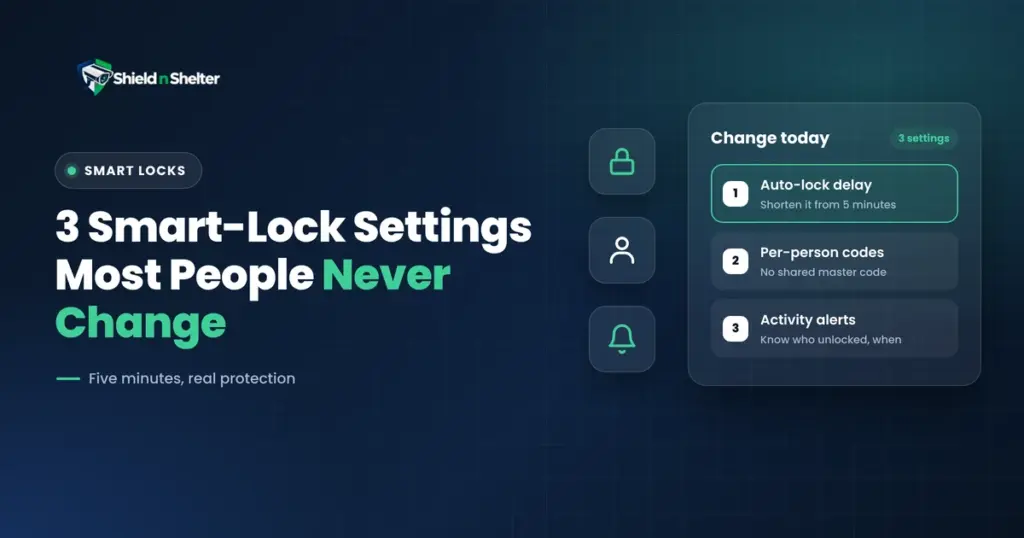
A smart lock out of the box is a convenience device. It is configured, quite deliberately, so that nothing about it will frustrate you in the first week: it stays unlocked, it accepts one code, and it keeps quiet. Those are reasonable defaults for a product that must not generate support calls. They are poor defaults for a lock.
Three smart lock settings convert it into a security device, and all three live in menus most owners open once and never revisit. None of them costs anything, and together they take about five minutes.
Why the defaults are wrong on purpose
Manufacturers optimise the out-of-box experience for the least confident user. A lock that re-locks aggressively will eventually shut someone out while they carry groceries in, and that person calls support or leaves a one-star review. A lock that alerts on every event will be muted within a week. So the shipped configuration is tuned for silence and permissiveness.
That is a defensible product decision and a bad security posture. The gap between the two is yours to close, and it is worth understanding that nothing in the following is a workaround or a hack. It is simply the configuration the lock was built to support and shipped without.
Setting 1: Auto-lock timing
Auto-lock re-engages the bolt a set interval after the door closes. On a surprising number of units it ships disabled entirely; on most of the rest it defaults to five minutes, which in practice means a door that stands unlocked through the entire window in which anyone would notice it.
Unlocked doors are not an edge case. A meaningful share of residential intrusions involve no forced entry at all, because a door or window was simply open. A lock that locks itself removes the most common single point of failure in home security: a person in a hurry.
Choosing an interval
| Household | Suggested interval | Why |
|---|---|---|
| Adults only, keypad or phone entry | 30 seconds | Long enough to walk in, short enough to matter |
| Children arriving home alone | 60 seconds | Avoids a lockout during bag-and-shoes chaos |
| Frequent in-and-out, pets, garden access | 1 to 2 minutes | Prevents the nuisance that leads to switching it off entirely |
| Rental or shared occupancy | 30 seconds | You cannot rely on others to lock up |
| Overnight | Immediate, if schedulable | Nobody should be walking in and out at 3 a.m. |
If your lock supports scheduling, a short daytime interval and an immediate overnight lock is the strongest configuration most homes can run without friction.
The failure mode nobody mentions
Auto-lock is only as good as the strike alignment. If the door has dropped on its hinges, swelled with humidity, or the strike plate is slightly out of true, the motor will drive the bolt against the frame, fail, and in many cases report itself as locked. You now have a door you believe is secured and is not.
Before you trust auto-lock, test it: close the door, wait for the interval, then try the handle from outside. Do this again after the first seasonal change, when timber doors move most. A lock that strains audibly is telling you the strike needs adjusting, not that the lock is failing.
Setting 2: Per-person access codes
One shared code is the default because it is the fastest thing to set up. It is also the setting that destroys everything else the lock could give you.
With a single code, the entry log reads code used, 2:14 p.m. and nothing more. You cannot tell the cleaner from your brother-in-law from someone who read the code over your shoulder at the door. The lock is recording events it cannot attribute, which is data without information.
Issue one code per person and the same log becomes useful immediately: who came, when, in what order, and whether the pattern is normal.
Codes worth creating
- One per household member, including older children.
- One per recurring visitor: cleaner, dog walker, family member with standing access.
- Scheduled codes for anyone with fixed hours. A cleaner’s code that only works Tuesdays between 9 and 1 is not usable at midnight, whether it leaks or not.
- Temporary or one-time codes for contractors, deliveries and guests, set to expire automatically. Access you have to remember to revoke is access you will forget to revoke.
Code hygiene
- Avoid house numbers, birth years and repeated digits. These are the first guesses.
- Retire a code the moment the relationship ends, on the day, not at the next tidy-up.
- If your keypad shows wear, rotate codes periodically so the worn digits do not narrow the search.
- Review the full code list twice a year. Most households discover at least one code they cannot account for.
Setting 3: Activity alerts
The third setting is the one that turns the lock from a record into a warning. Most locks ship with notifications off, or on for everything, and both end in the same place: you are not reading them.
The goal is a small number of alerts that are always worth looking at.
What to alert on, and what to leave alone
| Event | Alert? | Reasoning |
|---|---|---|
| Unlock outside normal hours | Yes | The single highest-value alert on the device |
| Manual unlock by key or thumbturn | Yes | Bypasses every digital control you have set |
| Repeated failed code attempts | Yes | Someone is guessing |
| Door left ajar or jammed bolt | Yes | The failure mode above, reported in real time |
| Low battery | Yes | A dead lock is a locked-out household or a propped door |
| Tamper or removal detected | Yes | Rare and always significant |
| Routine family arrivals | No | This is the noise that makes people mute everything |
| Every successful lock event | No | Confirms only that the lock works |
If your lock cannot filter by time of day, favour the manual-unlock and failed-attempt alerts and skip routine entries. Six meaningful alerts a month get read. Sixty do not.
Worth checking while you are in the settings
- Auto-unlock on approach. Convenient and, on some implementations, triggerable from outside the door by a phone sitting on a hall table. Understand the geofence before you rely on it.
- One-touch locking. Cheap, immediate, and worth enabling regardless of auto-lock.
- Privacy or lockout mode. Disables all codes from inside. Useful overnight, dangerous if you forget it.
- Firmware updates. Turn them on. Lock firmware fixes real vulnerabilities and almost nobody updates manually.
- Shared account access. Check who else holds admin rights in the app, especially on a lock inherited with a house.
Five-minute verification
- Close the door and time the auto-lock. Then test the handle from outside.
- Enter a retired or invented code and confirm it fails, and that repeated failures notify you.
- Unlock manually with a key and confirm that event alerts and appears in the log.
- Open the app log and confirm each entry names a person, not just a code.
- Check the battery level and note the date.
What a smart lock still cannot do
A smart lock secures a door. It does not reinforce the frame that door sits in, and the frame is what usually fails. A lock rated for forced entry mounted in a jamb held by half-inch screws into soft trim will lose to a single kick, and no configuration changes that. Three-inch screws into the stud behind the jamb, and a reinforced strike plate, cost very little and matter more than the lock itself.
It also does nothing for the sliding door, the garage service door, or the ground-floor window. Those are separate decisions.
These three settings matter more once the lock is part of a wider system. How it talks to your cameras and sensors is an architecture question, covered in smart home security ecosystem architecture. It is also worth knowing what the lock reports back to its manufacturer, which is the subject of smart home privacy. If you have only just picked up the keys, changing these settings belongs in the first week of our new homeowner security guide, alongside rekeying everything you inherited. And if your existing alarm gear is generating noise rather than signal, learning how to audit your existing home security system is the place to start.
Need Professional, Brand-Agnostic Guidance?
Shield N Shelter provides 100% independent residential security consulting with zero equipment markups and zero vendor kickbacks.