
A keypad lock has a reputation for being simple. Punch in a code, door opens, done. Locking it is where things get less obvious, because every brand handles it a little differently, and the factory settings aren’t always the secure ones.
This guide covers the basics of keypad lock operation first, then goes past them into the smart lock settings that decide whether the lock is actually protecting anything.
Locking from the Outside
Most keypad deadbolts lock in one of three ways from the outside, depending on the model.
One-touch locking. Press a single button on the keypad and the bolt throws. On Schlage keypad locks, that’s usually the Schlage logo button. On Kwikset keypads, it’s typically a dedicated lock icon or a Kwikset button. Other brands use similar designs. The exact label varies, but the idea is the same.
Auto-lock. The lock throws the bolt on its own after a set delay. No button press needed. More on this below, because it’s the most important setting on the whole device.
Key or app. Some locks still need a physical key for manual locking from outside, and many also lock through a phone app if they’re connected.
A quick tip: after pressing the lock button, listen for the motor. A healthy lock gives one clean whirr and a thunk. A grinding sound, a stall, or a second attempt usually means the bolt is hitting the strike plate, which is an alignment problem, not a lock problem. The strike plate also decides your real lock pick resistance.
Locking from the Inside
Inside is simpler. Nearly every keypad deadbolt keeps a plain thumbturn on the interior side, which is a manual twist to lock or unlock. No code, no battery needed.
That’s by design. In an emergency, anyone inside should be able to get out without remembering a code or powering anything up.
Some models also add an interior button or app control for locking, but the thumbturn is the fallback that always works. It’s also the reason a keypad lock doesn’t change how people exit a house.
The Schlage and Kwikset Differences
The two brands most people run into handle one-touch locking a little differently, so it’s worth knowing the quirks.
Schlage keypad deadbolts typically lock when the Schlage logo button is pressed. Some models require this to be enabled in settings, and a few skip it entirely in favor of auto-lock only.
Kwikset keypad locks generally use a lock icon or the Kwikset button for the same job. Some of their models also have a one-touch feature that can be switched on or off during programming.
The takeaway isn’t brand specific. If the lock has a one-touch button, test it with the door open first. Then test it closed. A lock that works open and jams closed has a door alignment issue worth fixing before relying on any automatic feature.
Auto-Lock Is a Security Setting, Not a Convenience
This is where most people stop reading the manual, and it’s where a lot of the real security lives.
Auto-lock delay is the number of seconds the lock waits after the door closes before throwing the bolt. Depending on the model, it can usually be set anywhere from a few seconds up to a couple of minutes.
A short delay is almost always the better choice. A lock set to wait two minutes means that for two minutes after anyone walks through, the door is closed but unsecured. That’s a real window, not a theoretical one.
A few practical points on tuning it:
- Shorter is safer, but too short causes problems, like getting locked out while carrying groceries or taking the trash out.
- Pick a delay long enough to get through the door comfortably and short enough that the gap is hardly noticeable.
- Test the timer with the door actually closing, not just by watching the lock, since a door that doesn’t fully latch can leave the bolt trying to throw against a half closed frame.
One more thing: auto-lock only works if the door is fully closed. A door that drifts back an inch before latching can leave the lock confused, so check the strike alignment as part of setup.
Code Length Is a Policy Decision
Most keypad locks accept codes somewhere between four and eight digits. Many people default to four because it’s quick to type. It’s also the weakest option.
A four digit code has 10,000 possible combinations. A six digit code has a million. An eight digit code has a hundred million. Brute forcing a keypad by hand is slow, and most locks lock out after repeated failures, so the math matters less against a casual attempt. But longer codes cost almost nothing and push a lot of other attacks out of reach, including shoulder surfing.
A simple household policy is worth setting: six digits minimum, no birthdays, no repeated numbers, no 1-2-3-4-5-6. Everyone using the lock should know that rule.
Delete Contractor and Guest Codes
This is the most skipped habit in the whole routine, and it’s probably the most common real world hole.
Most keypad locks let the owner create multiple user codes, which is great for a dog walker, a contractor, or a cleaner. The problem is that those codes tend to live forever. The contractor finished the job in March and the code is still working in October.
A tidy routine looks like this:
- Give every person their own code instead of sharing one, so a deletion affects only that person.
- Set expiration dates where the lock supports them, which makes temporary codes temporary by default.
- Review the code list every few months and delete anything that isn’t current.
If the lock doesn’t show who used which code, treat every unused code as a liability and cut the list down.
Disable Code Sharing and Remote Features You Don’t Use
Many connected keypad locks come with features that make sharing easy, like sending a temporary code by text or letting guests create their own. Those features are handy, but they also widen who can get in.
Go through the app settings once and turn off anything that isn’t earning its place. Guest invitation links, remote code creation, and third party integrations are all worth a second look. If a feature isn’t being used, it’s an open door that serves no purpose.
The same goes for access permissions in the app itself. Family sharing is useful, but an old account belonging to a former roommate, or a phone nobody uses anymore, shouldn’t still have control over the front door.
The Keypad Wear Pattern Problem
Here’s a quirk most people never think about. Keypads wear unevenly, and the digits used most often wear first.
On a keypad that’s been used for a couple of years with the same code, the frequently pressed buttons can show visible smudging, shiny spots, or fading. Anyone who looks closely can see which four or six digits are in play, and the remaining question is only the order. That shrinks a million possibilities down to a handful.
Touchscreen keypads show a related issue, since finger oils leave faint marks on glass over time.
There are two practical fixes:
- Rotate codes periodically. (On a Yale, here is how to change the code on a Yale push-button lock.) Changing the code every so often spreads wear around the keypad and removes any stable pattern. It also pairs nicely with the guest code cleanup routine above.
- Use a scramble-entry lock. Some touchscreen models, like Kwikset’s SecureScreen, display the number layout in a randomized order or let the user press decoy digits before and after the real code. Both approaches make wear marks and smudges far less useful to someone watching or inspecting the keypad.
Wiping the keypad down regularly also helps, though it’s more of a bandage than a fix.
Putting It Together
A well set up keypad lock isn’t complicated, it just needs a few settings checked once and a few habits kept up.
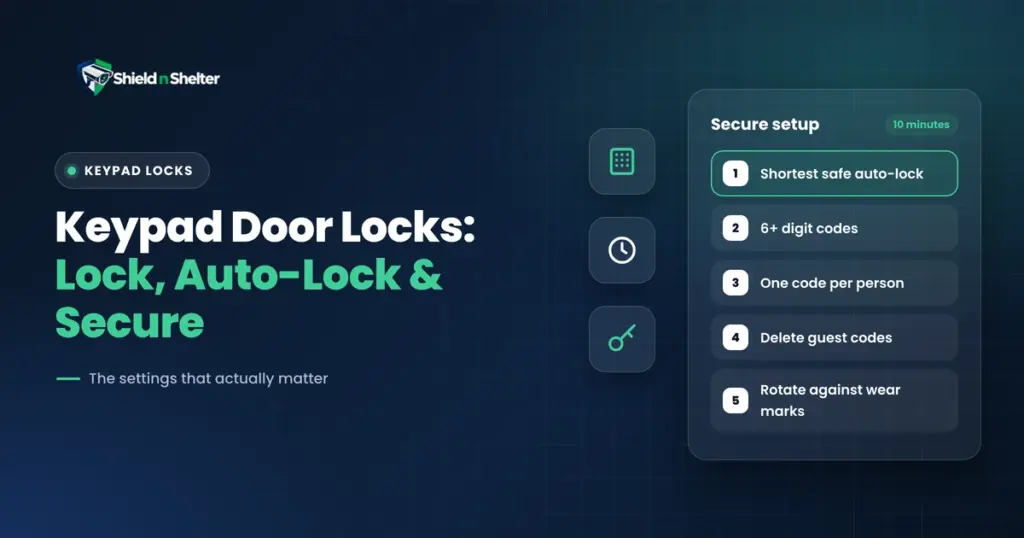
A short checklist:
- Confirm one-touch locking works with the door open and closed.
- Set the shortest auto-lock delay that doesn’t cause lockouts.
- Use six digit codes or longer, with no obvious patterns.
- Give each person their own code, and set expirations on temporary ones.
- Disable sharing features that aren’t being used.
- Rotate codes now and then, or choose a scramble-entry model.
None of this requires buying anything new. It’s mostly about opening the settings menu, spending ten minutes, and treating the lock like a security device instead of a fancy doorknob.