
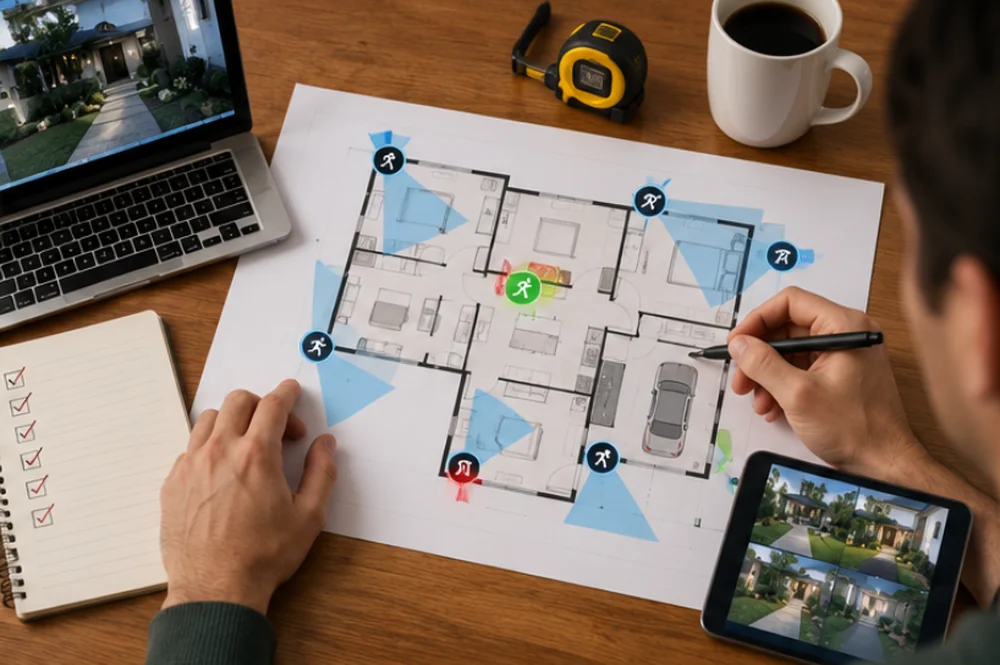
Most people start their smart home security project by shopping. They buy a camera because it had good reviews, a lock because it was on sale, and a doorbell because the neighbor has one. Six months later they’ve got four apps, two hubs collecting dust, and a system that only sort of talks to itself.
If you actually want a smart home security ecosystem architecture that works the way you imagine it working, you need to plan the system first and pick the products second. That means deciding how your hub, your app, and your automations fit together before you buy a single device.
Privacy settings are part of the architecture, not an extra; our smart home privacy guide walks through them device by device.
Start With the Hub, Not the Device
The hub is the thing that ties your locks, cameras, sensors, and alarms into a single system. Without one, you’re just running a pile of separate apps that happen to sit on the same WiFi network. Some rooms suit access-control hardware instead; see how to install a magnetic door lock (and when not to).
There’s a few different approaches here:
- Dedicated hub hardware (SmartThings, Hubitat, Home Assistant on a Raspberry Pi or mini PC) that acts as the central brain and talks to devices over Zigbee, Z-Wave, and WiFi.
- App-based hubs, where the “hub” is really just cloud software from one manufacturer, like Ring’s app or Google Home.
- Hybrid setups, where you use a local hub for the core security devices and let a couple of peripheral gadgets live in their own apps because integrating them isn’t worth the hassle.
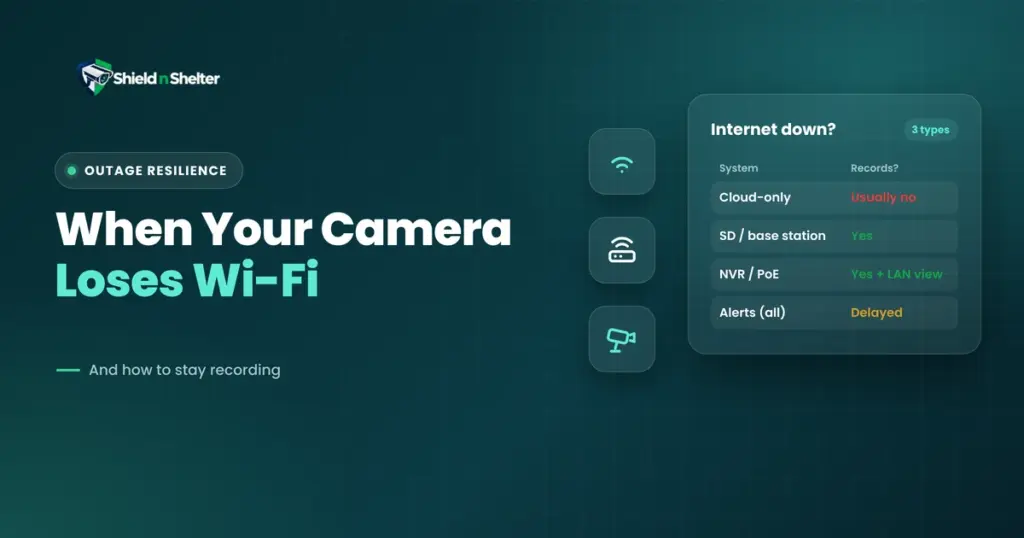
For most households, a dedicated hub is the better long term choice. Local hubs like Home Assistant or Hubitat process automations on your own network instead of round tripping to the cloud, which means your door lock still works when your internet goes down (cameras are another story; see what happens when your security camera loses Wi-Fi). That matters more for security devices than it does for, say, a smart light bulb.
The tradeoff is setup complexity. App-based hubs are plug and play, but you’re locked into whatever brand you picked, and you inherit all of their outages, their subscription changes (compare them in Ring vs Arlo vs UniFi vs Eufy vs Nest), and their decisions about what features live behind a paywall.
The App Layer: One Pane of Glass, or a Mess of Icons
Once you have a hub, the app is what you and your family actually interact with day to day. This is where a lot of systems quietly fail. You can have a technically solid hub setup and still end up with an app experience that nobody wants to use, which means people stop arming the alarm or checking the cameras because it’s annoying.
A few things worth prioritizing when you’re choosing or configuring the app layer:
1. Single sign on across devices. If your spouse needs three different logins to check the front door, lock the back door, and see who rang the bell, that’s a design failure, not a minor inconvenience.
2. Notification tuning. Cameras that ping you every time a leaf blows past will train you to ignore alerts entirely, which defeats the purpose of having them.
3. Offline fallback. Can you still lock the door and view a live camera feed if your internet is down but your local network is up? This is a real test of whether your architecture is actually local first or just marketed that way.
Automations Are Where the System Becomes “Smart”
This is the part most people skip, or do halfheartedly with a couple of if-this-then-that rules. Good automation design is really about thinking through scenarios, not individual triggers.
Some examples of automations worth building around a security-focused setup:
Door sensor opens after 11pm while the alarm is armed in “away” mode, triggers cameras to start recording and sends a push alert with a snapshot, not just a text.
Motion detected on the driveway camera while nobody’s home turns on the porch light and starts a short recording clip, rather then just logging an event nobody will look at.
Lock left unlocked for more then 10 minutes after everyone leaves (based on phone geofencing) sends a reminder, and locks automatically after a grace period.
All exterior sensors and locks report a status check each morning so you actually know if something’s been offline for two days without anyone noticing.
The mistake a lot of people make is designing automations device by device instead of scenario by scenario. Ask “what should happen when we leave the house” rather than “what should the lock do” and “what should the camera do” separately. The scenario-first approach is what actually makes a system feel intelligent instead of just reactive.
Interoperability Pitfalls Between Ecosystems
This is where a lot of otherwise well planned systems fall apart. Locks, cameras, sensors, and alarms often come from different manufacturers, and those manufacturers don’t always play nice together.
A few pitfalls worth knowing about before you buy:
| Pitfall | What it means in practice |
|---|---|
| Protocol mismatches | Zigbee, Z-Wave, WiFi, and Thread devices don’t natively speak to each other. Your hub needs to support the specific protocols your devices use, or you need a bridge device, which adds another point of failure. |
| Closed ecosystems | Some manufacturers deliberately limit third party integration to push you toward buying more of their own products. A camera brand might work great with its own app and be barely functional inside Home Assistant or SmartThings. |
| Cloud dependency for “local” features | Some devices advertise local processing but still require a cloud check-in to arm, disarm, or even respond to a manual command. Read the fine print, or better yet test it by pulling the internet cable for five minutes. |
| Matter isn’t a magic fix yet | Matter is supposed to solve a lot of this by giving devices a shared standard, and it’s gotten a lot better, but coverage is still spotty for security specific devices like locks and alarm panels. Don’t assume “Matter compatible” means everything will just work together seamlessly. |
| Firmware update conflicts | An update to one device or the hub itself can silently break an integration that was working fine the week before. This is more common than people expect, especially with beta or fast moving platforms. |
The safest approach is to check integration compatibility before purchase, not after. Look for real user reports of the specific combination you’re planning to use, not just “works with Alexa” badges on the box.
Privacy and Network Segregation
None of this matters much if your security system is also your biggest privacy liability. Cameras, locks, and sensors are constantly collecting data about who’s home, when, and what they’re doing, and a lot of that data flows through third party servers you don’t control.
The single most useful thing you can do here is put your smart home devices on their own isolated network, separate from your laptops, phones, and anything with sensitive data on it. If a cheap camera gets compromised, you don’t want it sitting on the same network as your work computer. Most modern routers support guest networks or VLANs (see our smart home network setup guide), and it’s worth the extra hour of setup.
We go into a lot more depth on this, covering router configuration, VLAN setup, and how to audit what your devices are actually sending back home, in our Smart Home Privacy page. If you’re building out a system from scratch, it’s worth reading alongside this guide rather then after the fact.
Getting Your Smart Home Security Ecosystem Architecture Right
Designing a smart home security system that actually holds together, across hub, app, automations, and privacy, is a lot more involved then picking products off a list. It’s also a lot easier to get right the first time then to retrofit later, especially once you’ve got a house full of devices that don’t talk to each other properly.
If you’d rather have someone map out the architecture for your specific home before you start buying hardware, our Smart Home Security Design service walks through hub selection, device compatibility, and automation planning tailored to your setup.
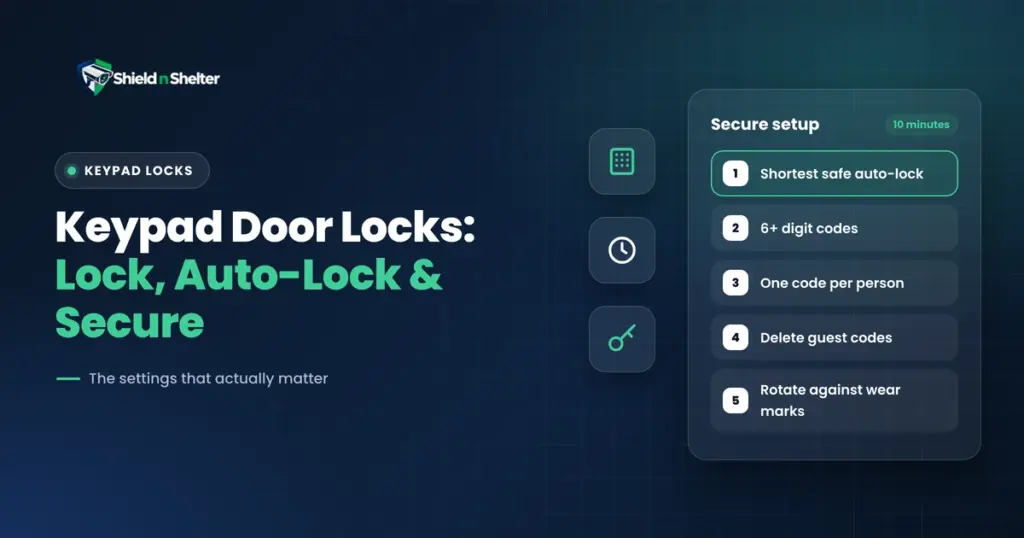
The lock is usually the first device people integrate and the last one they configure properly. Three smart-lock settings most people never change covers the three that matter.
Need Professional, Brand-Agnostic Guidance?
Shield N Shelter provides 100% independent residential security consulting with zero equipment markups and zero vendor kickbacks.